Resident Evil 4 VR: VR comfort settings & motion-sickness rating
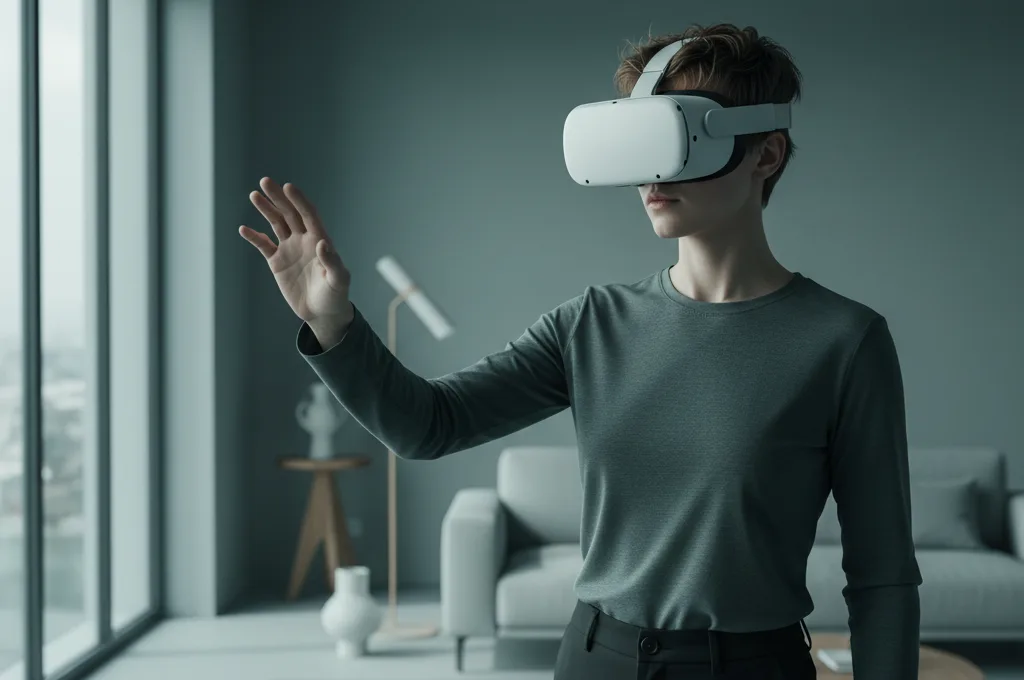
Short answer: Resident Evil 4 VR is an intense smooth-locomotion game — but it has solid comfort options. On default settings it can challenge a sensitive stomach, yet Quest's version includes vignette and turning options that make a big difference. Tense, fast moments are the trigger, so set it up before you start.
Why RE4 VR can make you queasy
You move through the world with continuous (smooth) locomotion, and combat pushes you to turn quickly and back away under pressure. Fast turning is the strongest motion-sickness trigger, and the game's adrenaline keeps you moving sharply — so comfort settings matter more here than in calmer titles.
Settings to turn on first
- Turn on the comfort vignette. Enable the field-of-view reduction so the edges darken when you move — one of the best-evidenced ways to cut sickness.
- Use snap turning. Switch from smooth to snap rotation; combined with the vignette this removes most of the discomfort. Details in our comfort settings guide.
- Lower movement speed if available, and keep your real feet planted to reduce disorientation.
- Fan on, short sessions to start, stopping before you feel sick rather than pushing through.
Ease into the scares
The horror pacing means sudden, intense bursts of movement — so build tolerance on calmer games first, then come to RE4 VR with vignette and snap turn already on. Short sessions early will let you enjoy the tension without the nausea; see how to get your VR legs. As you adapt you can loosen the comfort settings for more immersion.
Is RE4 VR good for beginners?
It's a mid-to-intense pick: very playable with comfort settings, but not ideal as your very first VR experience if you're prone to nausea. Set it up properly and it's one of the better action conversions. For the full toolkit of what reduces sickness versus what's overhyped, read how to stop VR motion sickness, and compare it with other titles on our VR game comfort ratings.
Run the comfort & severity check for a setup matched to your sensitivity before you face the village.
Frequently asked questions
Does Resident Evil 4 VR cause motion sickness?
Best comfort settings for Resident Evil 4 VR?
Is RE4 VR good for beginners?
This is general, evidence-based information, not medical advice. If dizziness or imbalance persists long after VR, or you have a known ear/vestibular condition, see a doctor.