Vader Immortal: VR comfort settings & motion-sickness rating
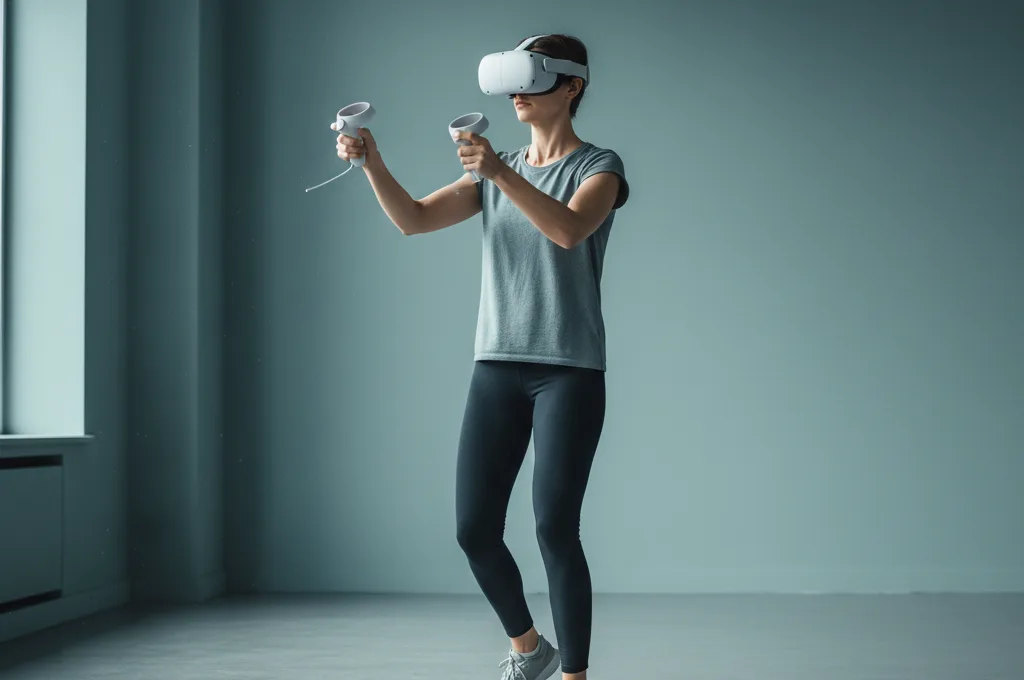
Short answer: Vader Immortal is comfortable, especially with teleport movement. It defaults to teleport locomotion and many sequences keep you fairly stationary, so it's gentle for most players. A smooth-movement option exists for those who want it, but you don't need it to enjoy the story.
Why it's beginner-friendly
Vader Immortal moves you mainly by teleport — you point and blink to a new spot rather than gliding there, which skips the visual travel that causes most VR sickness. Many of the best moments (lightsaber duels, Force training) happen while you stand and use your hands, so there's limited continuous motion to upset your balance.
Settings to use
- Keep teleport movement on for the most comfortable experience; only switch to smooth if you've already adapted to it elsewhere.
- Use snap turning rather than smooth rotation — turning is the strongest trigger, as our comfort settings guide explains.
- Stand with room, fan on, short sessions to start.
Easing in
With teleport and snap turn, Vader Immortal is a comfortable, cinematic way to get used to moving around in VR. If you later want more immersion, try the smooth option in short bursts as your tolerance grows — see how to get your VR legs. Compare it with other titles on the VR game comfort ratings.
Is Vader Immortal good for beginners?
Yes — with teleport movement it's a friendly pick that still feels epic. If you're sensitive, avoid switching to smooth locomotion early. For the full toolkit, read what works vs what's hype, or run the comfort & severity check.
Frequently asked questions
Does Vader Immortal cause motion sickness?
What are the best comfort settings for Vader Immortal?
Is Vader Immortal good for beginners?
This is general, evidence-based information, not medical advice. If dizziness or imbalance persists long after VR, or you have a known ear/vestibular condition, see a doctor.